
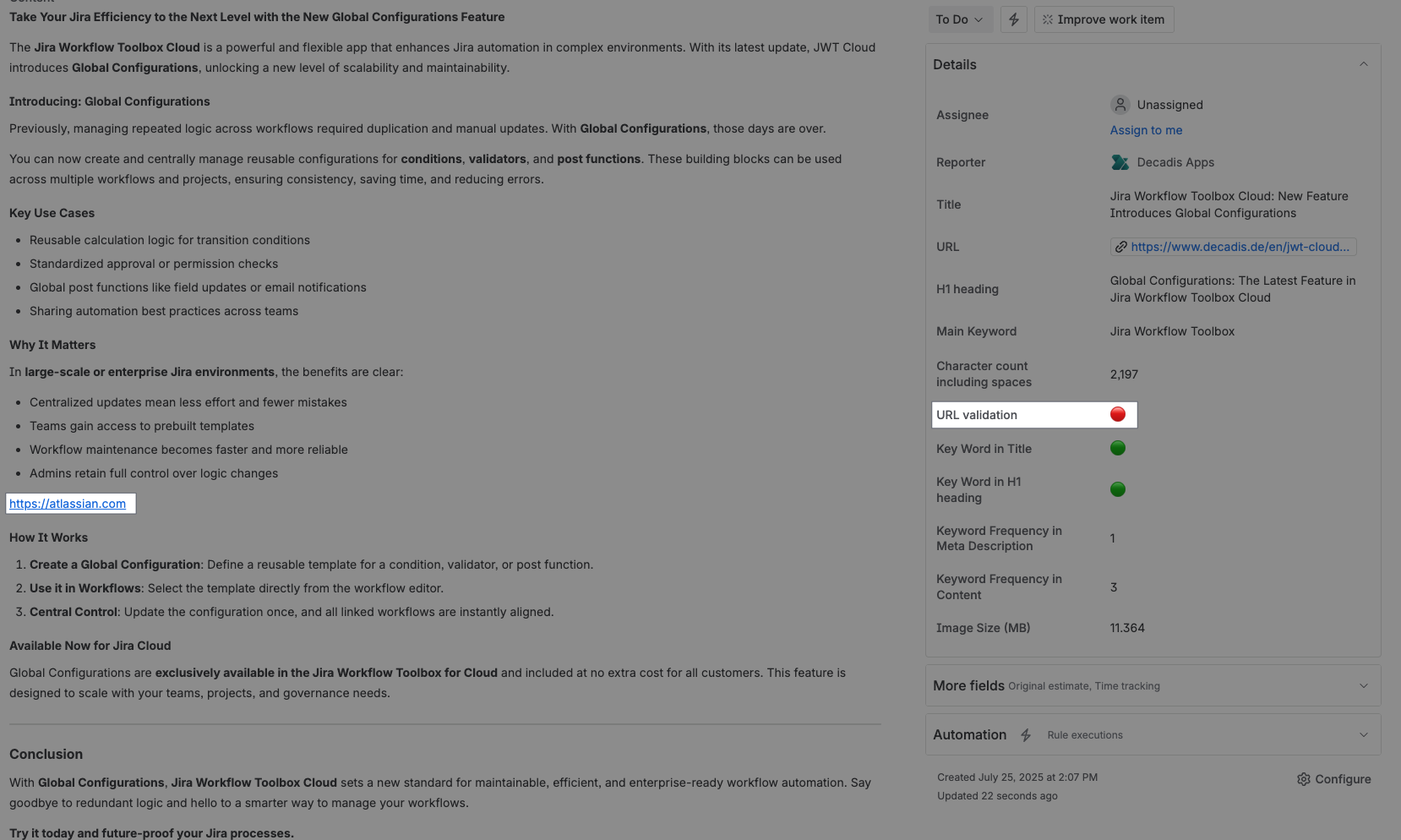
Check whether all URLs used in the body (a custom field where we store social media content) also have “proper” UTM tags, i.e., source, medium, and campaign. This ensures that we do not use any links that are not optimized for GA.
Configuration
Select Custom text formula in the template gallery after clicking Create formula field.
Choose General in the parsing mode dropdown. Click here for additional information.
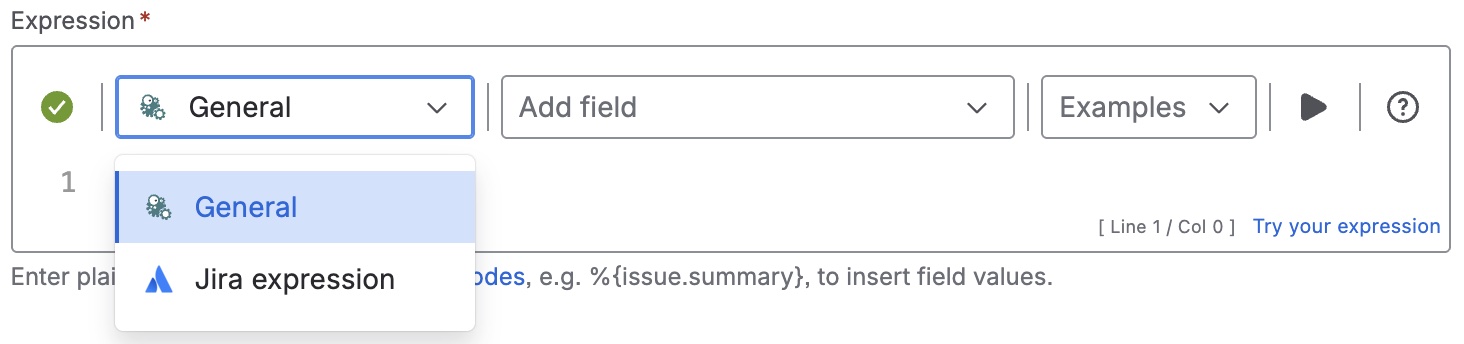
Expression
%{count(findPattern(%{issue.cfnnnnn},
"\b(?:https?://|www\.)\S*(?=.*utm_source=)(?=.*utm_medium=)(?=.*utm_campaign=)\S\b"))
= count(findPattern(%{issue.cfnnnnn}, "\b(?:https?://|www\.)\S+\b")) ?
"🟢" : "🔴"}
Please, note that it is necessary to replace nnnnn with the ID of the custom field containing the body (e.g. “Content).
A common use case would be to use the work item description for the social media content. The expression would then be:
%{count(findPattern(%{issue.description},
"\b(?:https?://|www\.)\S*(?=.*utm_source=)(?=.*utm_medium=)(?=.*utm_campaign=)\S\b"))
= count(findPattern(%{issue.description}, "\b(?:https?://|www\.)\S+\b")) ?
"🟢" : "🔴"}
Used parser functions
The links lead to the JWTC documentation because the parser functions are shared functionalities.
Details
1. What does the expression do?
This expression checks whether every URL found in a specific field (such as the work item description or a custom field containing social media content) includes all three required UTM tags: utm_source, utm_medium, and utm_campaign. If all URLs have these tags, it shows a green circle (🟢); if any URL is missing one or more tags, it shows a red circle (🔴).
2. Step-by-step breakdown
Let’s break down the main expression:
-
%{issue.cfnnnnn}: This refers to the value of a custom field in the work item (replacennnnnwith your actual field ID, or use%{issue.description}for the description field). -
findPattern(text, pattern): This function searches the given text for all matches to the specified pattern (regular expression). -
The first
findPattern:-
Pattern:
\b(?:https?://|www\.)\S*(?=.*utm_source=)(?=.*utm_medium=)(?=.*utm_campaign=)\S\b -
This finds all URLs that contain utm_source, utm_medium, and utm_campaign parameters.
-
-
The second
findPattern:-
Pattern:
\b(?:https?://|www\.)\S+\b -
This finds all URLs, regardless of UTM tags.
-
-
count(...): Counts the number of matches found by eachfindPattern. -
The comparison:
-
If the number of URLs with all required UTM tags equals the total number of URLs, the result is "🟢".
-
Otherwise, the result is "🔴".
-
3. Examples
Suppose your work item description contains:
Check out our site: https://example.com?utm_source=twitter&utm_medium=social&utm_campaign=spring
Visit our blog: https://blog.example.com
-
The first URL has all three UTM tags.
-
The second URL has none.
-
Total URLs found: 2
-
URLs with all UTM tags: 1
Result: 🔴 (because not all URLs have the required tags)
If both URLs had all three UTM tags, the result would be 🟢.
4. Real-life use cases
-
Social Media Campaigns: Ensuring every link in your scheduled social media posts includes proper UTM tags for accurate tracking in Google Analytics.
-
Marketing Reviews: Quickly validating that all links in a campaign draft are ready for launch and will be tracked correctly.
-
Content Approval: Automating checks in content workflows so that only work items with properly tagged URLs are approved or flagged for revision.