
Displays the name of the previous reporter in the current work item.
If the Reporter field was empty or never had a value before, “None” will be displayed.
Configuration
Select Custom text formula in the template gallery after clicking Create formula field.
Choose Jira expression in the parsing mode dropdown. Click here for additional information.
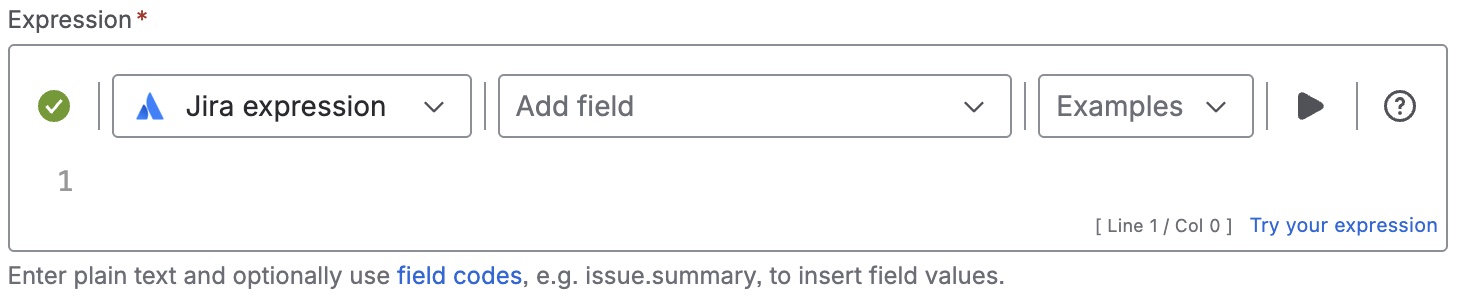
Expression
Expression
Jira expression:
let reporters= issue.changelogs.map(i=>i.items).flatten().filter(i=>i.field=="reporter");
reporters.length>0 ?
	reporters.map(a=>a.fromString)[0] == null ?
    	""
        :reporters.map(a=>a.fromString)[0]
:  ""
Details
1. What does the expression do?
This expression retrieves the name of the previous reporter for the current work item. If the Reporter field was never set or has no previous value, it returns an empty string (which the template displays as “None”).
2. Step-by-step breakdown
Let’s break it down:
-
issue.changelogs: This gets the full change history (changelog) for the current work item. -
.map(i => i.items): For each changelog entry, get the list of changed fields (items). -
.flatten(): Combines all those lists into a single list, so you have every field change in one place. -
.filter(i => i.field == "reporter"): Keeps only the changes where the field changed was the "reporter". -
let reporters = ...: Stores this filtered list in a variable calledreporters.
Now, the next part checks if there are any reporter changes:
-
reporters.length > 0 ? ... : "": If there are any reporter changes, do the next check; otherwise, return an empty string. -
reporters.map(a => a.fromString)[0] == null ? "" : reporters.map(a => a.fromString)[0]:-
reporters.map(a => a.fromString)[0]gets the previous reporter’s name from the first reporter change in the list. -
If that value is
null, return an empty string. -
Otherwise, return the previous reporter’s name.
-
3. Examples
-
If a work item’s reporter was changed from "Alice" to "Bob", this expression will return "Alice".
-
If the reporter was never changed (or never set), it will return an empty string (displayed as “None”).
4. Real-life use cases
-
Reporting: Build reports or dashboards showing changes in responsibility for work items.