
Displays the name of the project category of the current work item’s project.
If there is nothing to display, the result will be “None”.
Configuration
Select Custom text formula in the template gallery after clicking Create formula field.
Choose General in the parsing mode dropdown. Click here for additional information.
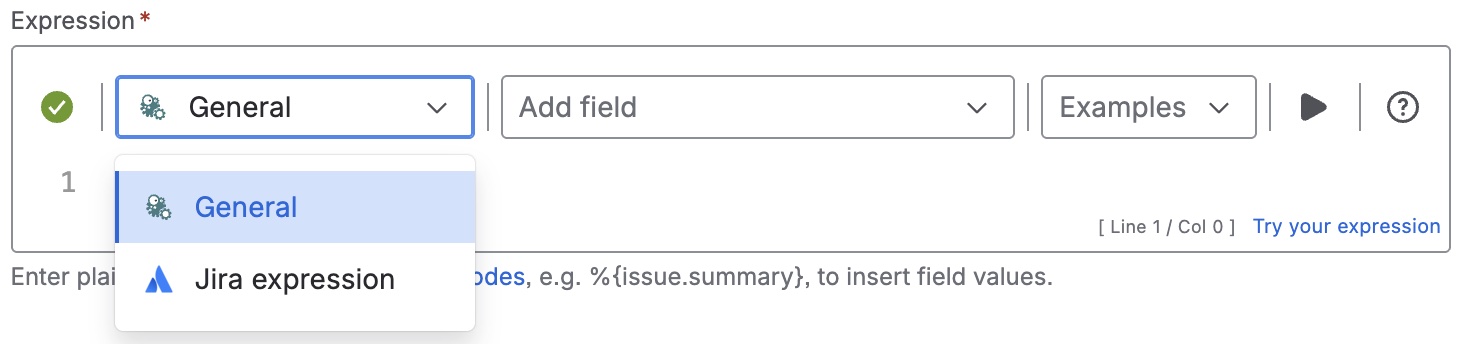
Expression
Expression
General expression:
%{issue.project.category}
Details
1. What does the expression do?
The expression returns the name of the project category for the project that the current work item belongs to. If the project does not have a category, the field will show “None”.
2. Step-by-step breakdown
-
%{issue.project.category}: Refers to the category of the project the current work item belongs to.
3. Examples
-
If a work item is in a project called "Website Redesign" and that project is in the "Marketing" category, the expression will return "Marketing".
-
If a work item is in a project with no category, the field will display "None".
4. Real-life use cases
-
Displaying the project category in a report or dashboard to help users quickly see which business area or department a work item belongs to.
-
Filtering or grouping work items by project category for portfolio management or resource planning.