
Displays a list of the names of all reporters in the sub-tasks of the current work item.
Repetitions will be omitted.
If there is nothing to display, the result will be “None”.
Configuration
Select Custom text formula in the template gallery after clicking Create formula field.
Choose General in the parsing mode dropdown. Click here for additional information.
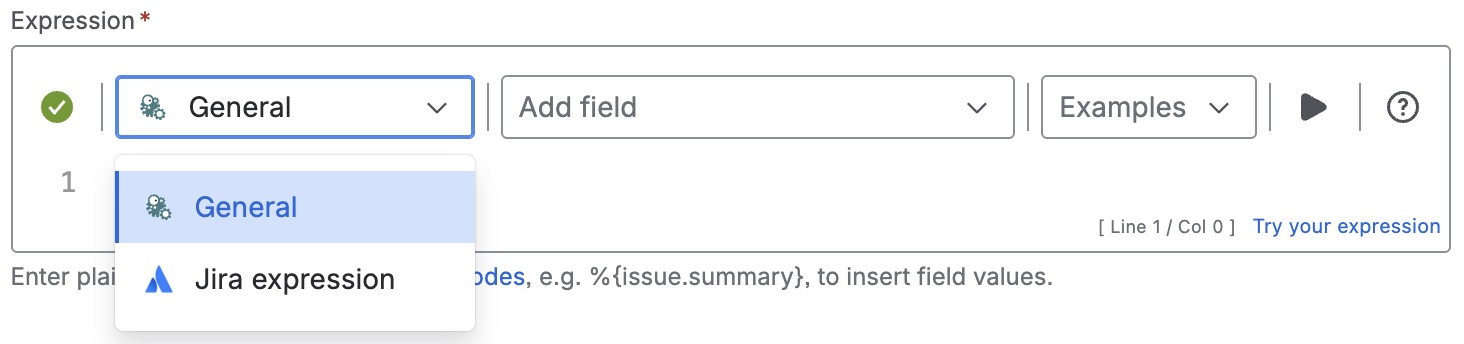
Expression
Expression
General expression:
%{distinct(fieldValue(%{issue.reporter.displayName}, subtasks()))}
Used parser functions
The links lead to the JWTC documentation because the parser functions are shared functionalities.
Details
1. What does the expression do?
The expression collects and displays a list of all unique names of reporters from the sub-tasks of the current work item.
2. Step-by-step breakdown
Let’s break down each part of the expression:
-
%{...}: This syntax is used to evaluate the expression inside as an advanced expression. -
subtasks(): This function retrieves all sub-tasks that belong to the current work item. -
fieldValue(%{issue.reporter.displayName}, subtasks()): This extracts the value of the Reporter field from each sub-task. -
distinct(...): This function removes any duplicate names from the list.
3. Examples
-
If your main work item has three sub-tasks reported by Alice, Bob, and Alice, the result will be: Alice, Bob (Alice only appears once, even though she reported two sub-tasks.)
4. Real-life use cases
-
Team overview: Quickly see which team members are reporting sub-tasks under a larger work item, helping you identify who is contributing to the breakdown of work.