
Displays the number of labels in the current work item.
Configuration
Select Custom number formula in the template gallery after clicking Create formula field.
Choose General in the parsing mode dropdown. Click here for additional information.
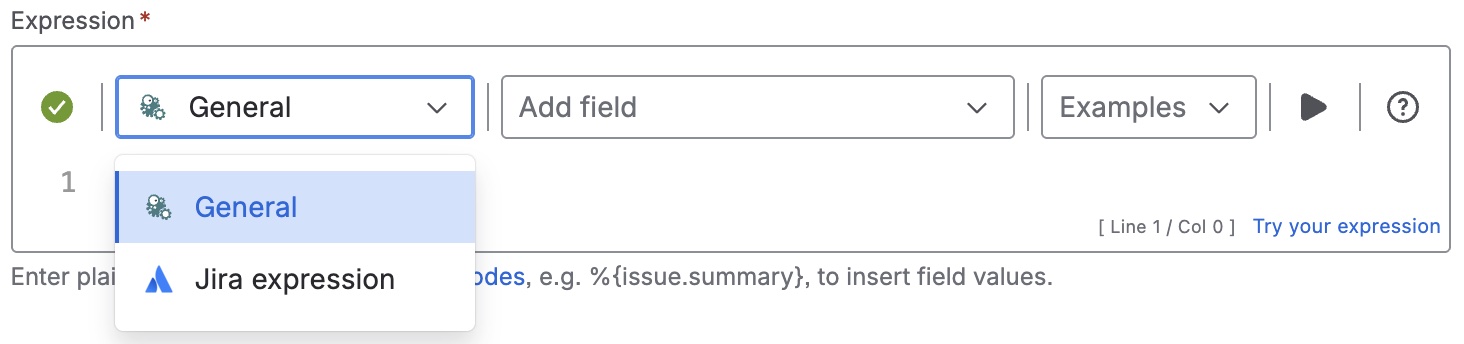
Expression
Expression
General expression:
%{issue.labels.length}
Display as
Number
Formatting style
Default (unformatted)
Details
1. What does the expression do?
The expression counts the number of labels in the current work item.
2. Step-by-step breakdown
-
%{issue.labels.length}: Refers to the number of labels in the current work item.
3. Examples
-
If a work item has these labels:
frontend,urgent,customer, then%{issue.labels.length}will return3. -
If a work item has no labels, the expression will return
0.
4. Real-life use cases
-
Creating dashboards or filters to quickly identify work items with many or few labels (for example, to spot items that might need better categorization).
-
Auditing work items to ensure labeling standards are followed (e.g., flagging items with too many or too few labels).