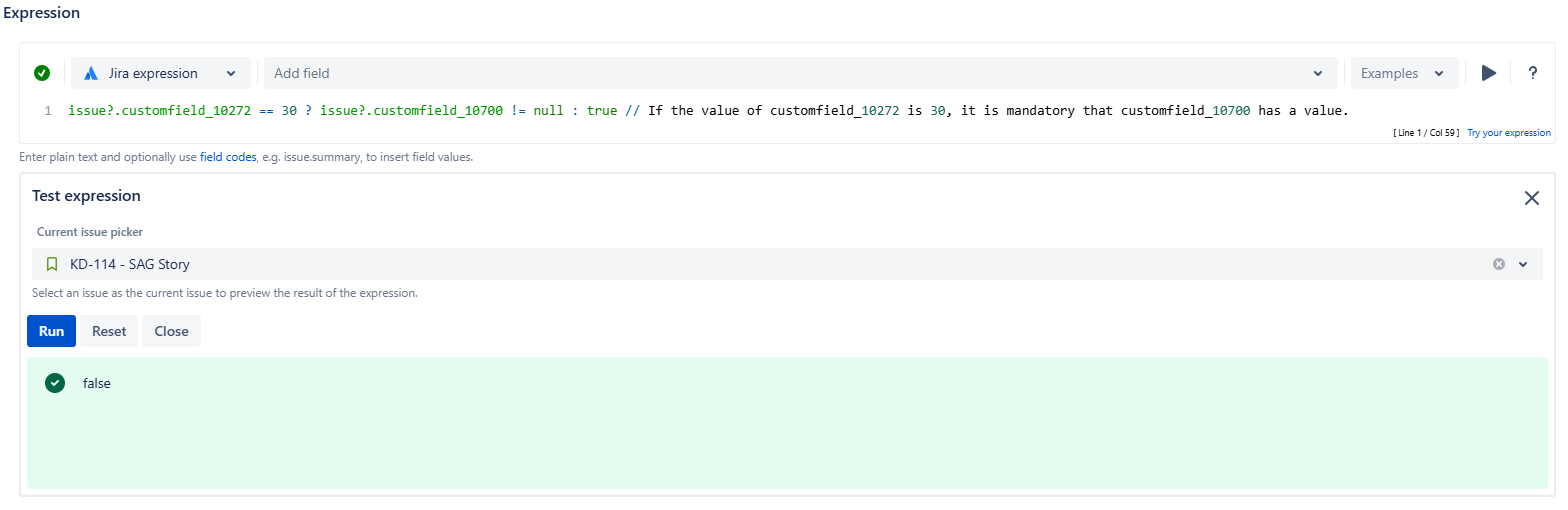
JWT for Jira Cloud expression parser allows writing comments to make the expressions easier to understand.
This way, if there are complex expressions that may be difficult to read at first glance, these comments can help to understand them.
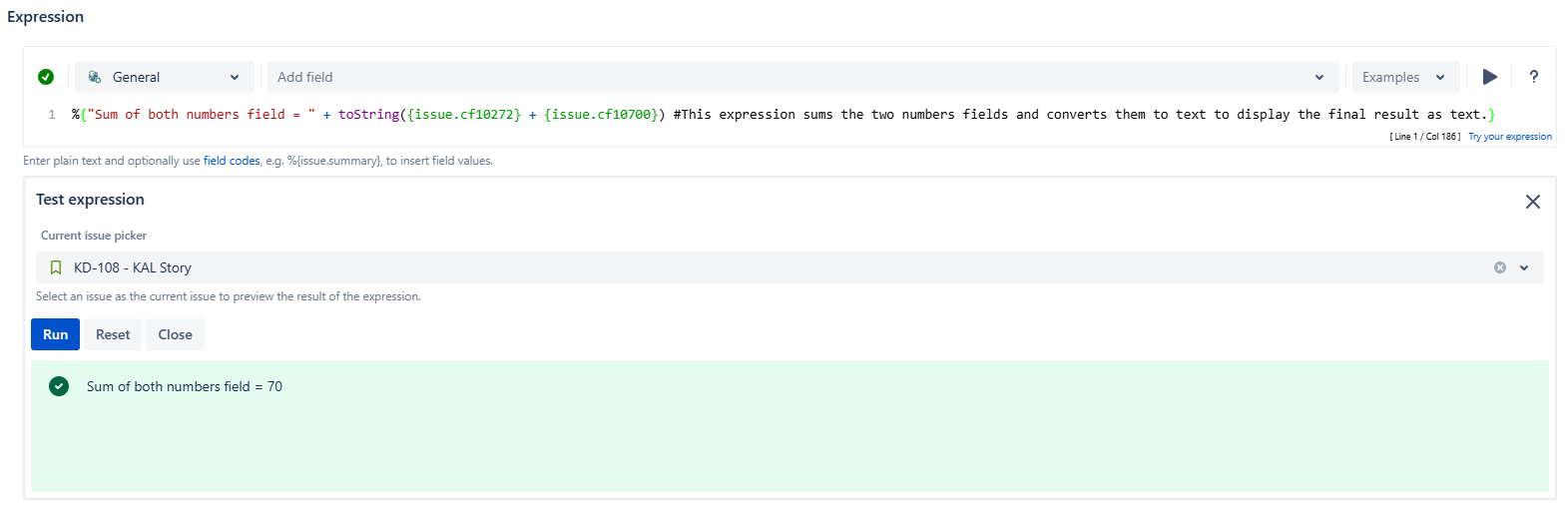
General parsing mode
In general parsing mode, it is necessary to place the # symbol inside the curly brackets right after the expression. It would look like this: %{Expression #Comment}.
If you just want to place a comment, the expression can be left empty, evaluating to an empty string.
%{Expression #comment}
%{#Comment without an expression}
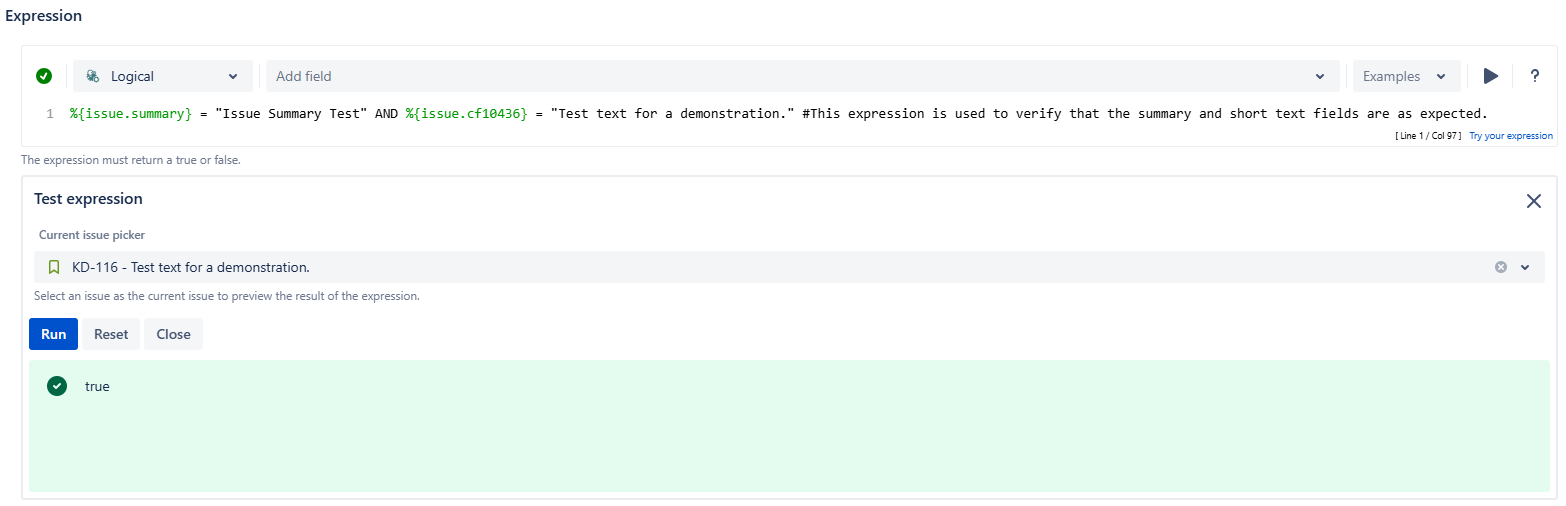
Logical parsing mode
In logical parsing mode, it is necessary to place the # symbol anywhere in the expression as long as it is not before the line containing the expression. Brackets are not required.
Examples:
#Comment
Expression
Expression #Comment
Jira expression parsing mode
In Jira expression parsing mode, it is necessary to place a double slash // anywhere in the expression as long as it is not before the line containing the expression.
Examples:
// Comment
Expression
Expression // Comment