
Installing Jira Workflow Toolbox Cloud is simple and does not differ from the installation of any other Jira app. More information on managing apps can be found in the Atlassian documentation.
You must be a Jira Administrator to be able to install an app.
-
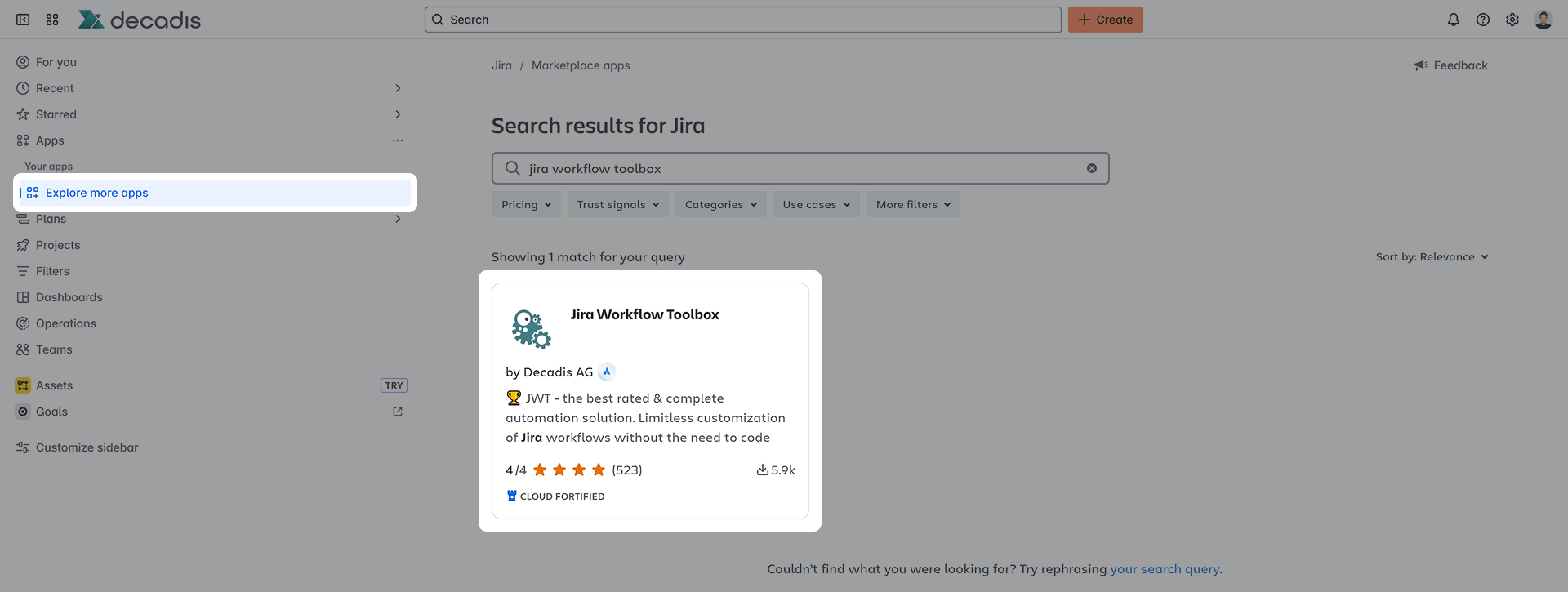
In the navigation bar, click on Explore more apps in the Apps section.
-
In the search bar, enter "Jira Workflow Toolbox".
-
The app will appear on the list, select it and start your free trial!
-
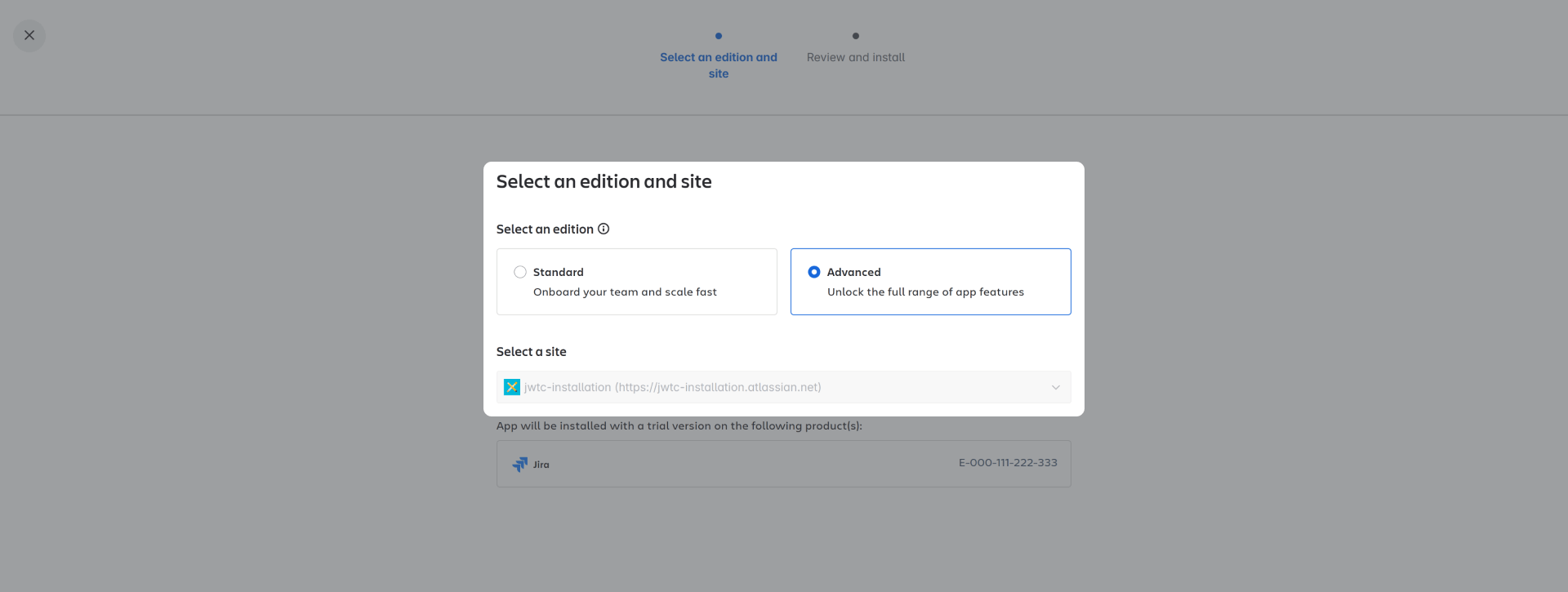
Before installation, you're prompted to choose between our Standard and Advanced Edition.
-
After reviewing and confirming, the app is ready to use and you're ready for your first steps!